For commissioned artists
A practical guide to grid maker for drawing
A grid maker for drawing should help the hand and then get out of the way. The point is to give you a dependable reference before a long drawing session, not to add an elaborate project workflow. By adding a grid over a photo, you can compare distances within small areas and spot proportional errors early. That is useful for artists returning to drawing after a break, for students building observational habits, and for anyone working from a detailed subject where a single outline feels intimidating.
Use the controls to make the reference match your drawing situation. A compact sketchbook image may only need four or six divisions, while a large final drawing can use more. Labels are worth enabling when you plan to move slowly through the work or discuss it with another person. Line opacity is equally important: a bold grid can establish the layout, but a translucent grid preserves delicate value changes underneath. If you are drawing in graphite or charcoal, the black-and-white option offers a quick way to prioritise tones over local colour.
This grid maker for drawing exports files that are ready for both screen and paper. PNG and JPG work well for a tablet workspace. The PDF uses the selected A4, A3, or US Letter dimensions and includes instructions for ruling the same divisions in millimetres. There is no need to make an account or upload a reference to a remote editor. The browser Canvas makes the preview and the download locally, so you can use the tool for personal photos, commissioned subjects, or classroom material with a straightforward privacy boundary.
For a series of studies, keeping a familiar grid count can reduce setup decisions and make progress easier to see. When the structure begins to feel comfortable, lower the density or turn off labels as a gentle challenge. A drawing grid should become a scaffold you gradually need less.
A grid maker for drawing can make a repeatable studio handoff. If you work across several evenings, put the commission name, approved crop, paper size, and grid count in the filename of the PDF. For instance, `milo-a4-8x10-approved.pdf` says more than `final-new.pdf`. Print one reference at the stated size and compare its first two intervals with a ruler before ruling your paper. That routine means you can resume a job next week without guessing which version or spacing was used.
A grid maker for drawing can turn a commission into a repeatable studio handoff rather than a collection of half-remembered decisions. Put the subject name, approved crop, support size, and grid count in the PDF filename. A name such as `milo-a4-8x10-approved` tells a future assistant or your next-week self which reference belongs to the work. It is more useful than a folder filled with files called final, final-two, and newest.
Before a second person begins a transfer, agree on the physical rectangle as well as the image. The print guide provides horizontal and vertical millimetres, so both people can rule equivalent intervals on their own support. Check a few marks with a ruler before lines are drawn. This avoids a subtle mismatch where the same number of cells exists but the working border differs.
The handoff should include an unmarked original. The assistant who blocks in proportions needs the grid, while the artist who finishes fur, paint texture, or soft charcoal edges needs a clean view of the photograph. Keep the crop fixed between both files. A grid maker for drawing is useful precisely because it separates coordinate information from the visual qualities the final medium must interpret.
For a correction pass, work in a predictable order. After three connected rows are blocked, compare the centre axis, major silhouette crossings, and largest empty spaces against the reference. If the near ear or shoulder enters a boundary too soon, correct that form before adding shading. This creates a feedback loop that catches structural drift while it still requires only a few erased lines.
Select the grid count for the stage of handoff. A broad layout can be enough for an assistant to place a full-body pose on canvas; a close facial study may need extra guidance around the eyes and muzzle. Avoid a density that makes the image look like graph paper. The receiving artist must still be able to see continuous curves and value masses at a glance.
A client-proof step belongs before, not after, this organisation. Show the chosen clean crop and final dimensions, record approval, then export the reference. If the customer asks to include more tail or remove a distracting object, remake the grid rather than trying to amend it by eye. The cost is minutes before drawing and hours after detailed work begins.
The local browser workflow is helpful for sensitive family photographs because it produces PNG, JPG, and PDF files without uploading the source. Store the versions according to the privacy practice of your studio, and remove temporary copies when the job is closed. The tool supports a disciplined process; it does not need to retain the client's archive.
When the reference is a close likeness, the portrait drawing grid guide covers facial landmarks; for the measured transfer itself, use the grid method walkthrough.
Continue the workflow
See Also
- drawing grid maker
Choose a companion guide when the studio handoff reaches its next practical step.
- grid image
Choose a companion guide when the studio handoff reaches its next practical step.
- grid method
Choose a companion guide when the studio handoff reaches its next practical step.
- portrait drawing grid
Choose a companion guide when the studio handoff reaches its next practical step.
- art grid tool
Choose a companion guide when the studio handoff reaches its next practical step.
Questions answered
grid maker for drawing FAQ
What files can this grid maker for drawing open?+
It accepts JPG, PNG, GIF, and WEBP image files.
Can I make the grid faint?+
Yes. Reduce the opacity slider while keeping a contrasting line colour.
Which export is best for printing?+
Choose PDF when you want the gridded image accompanied by paper-ruling measurements.
Real output
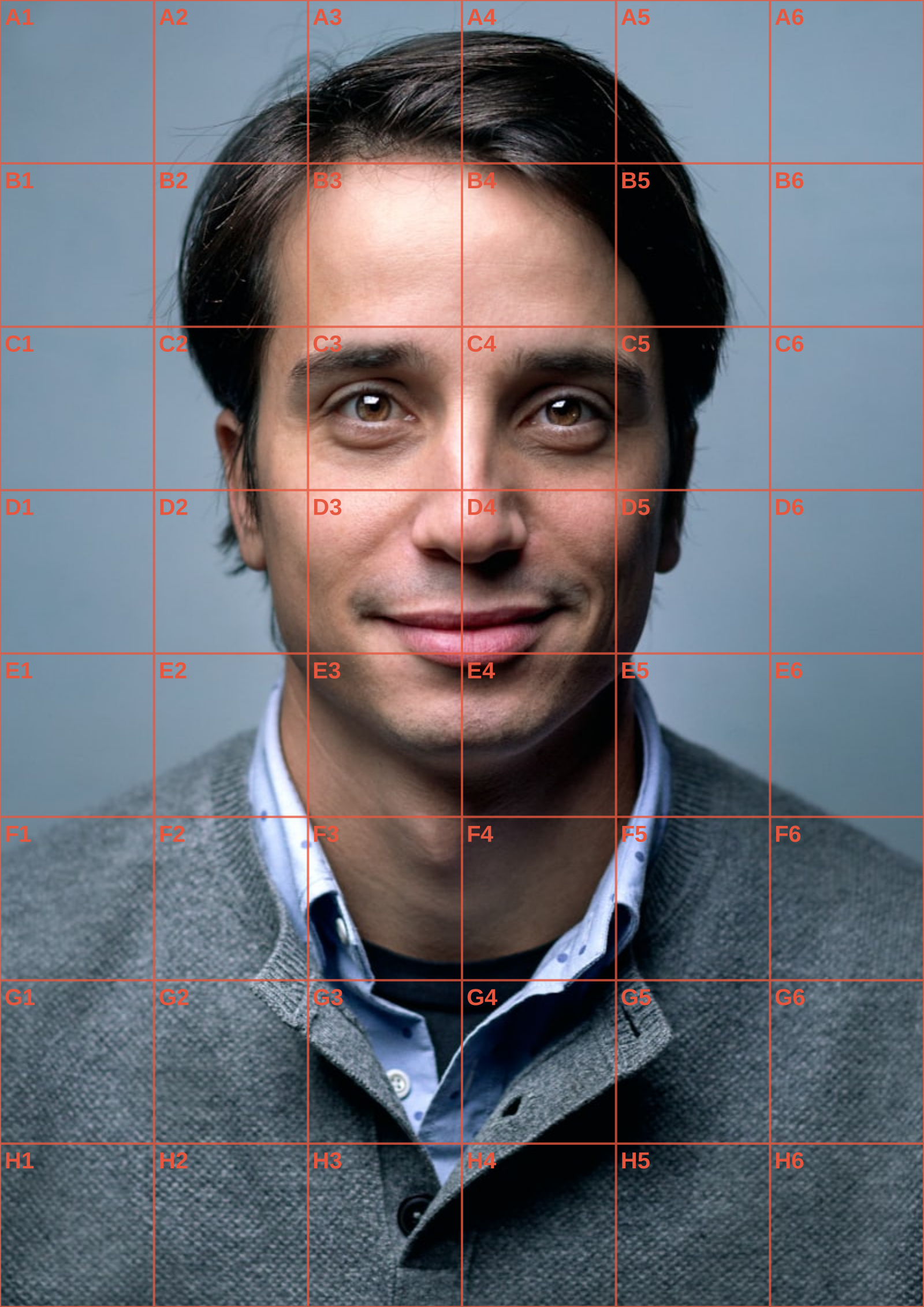
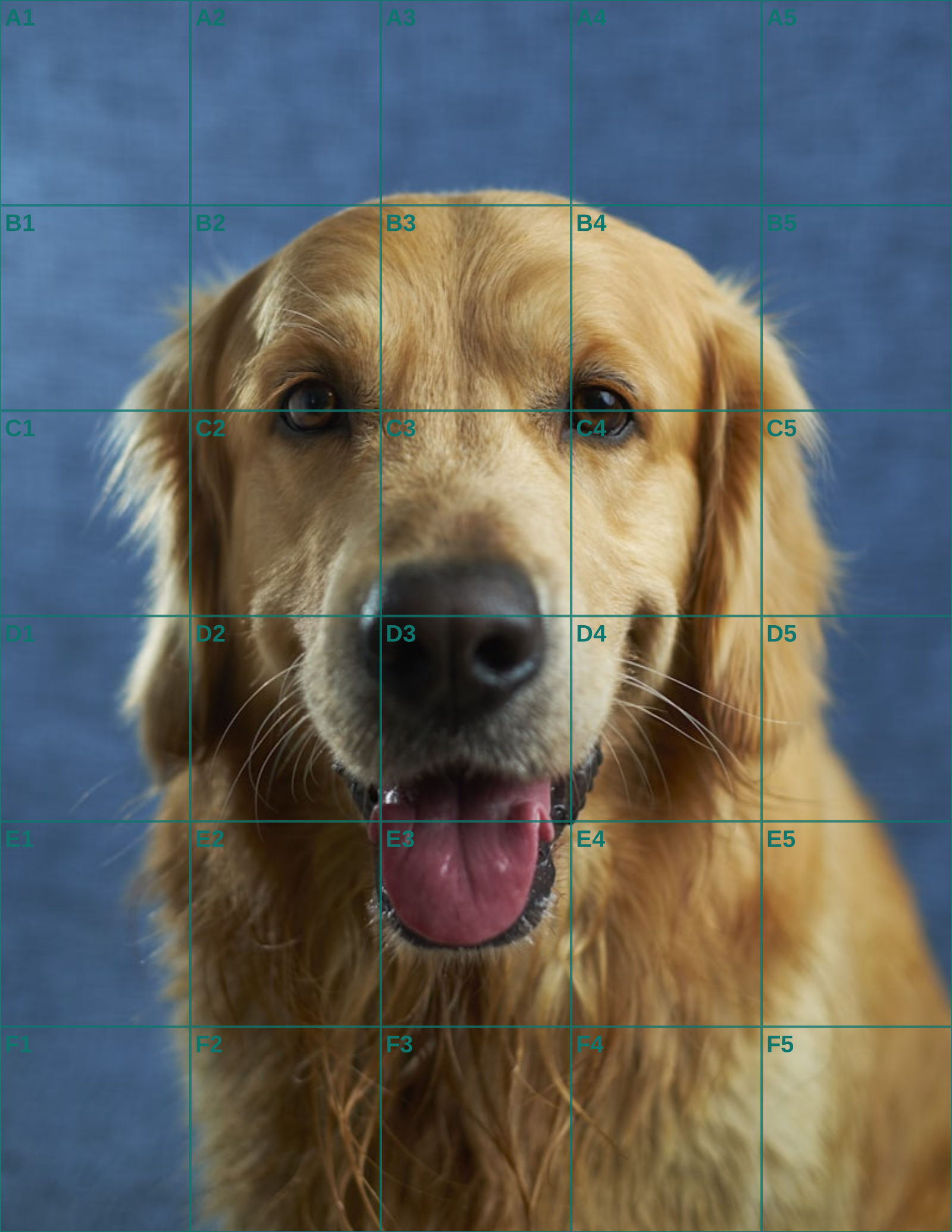
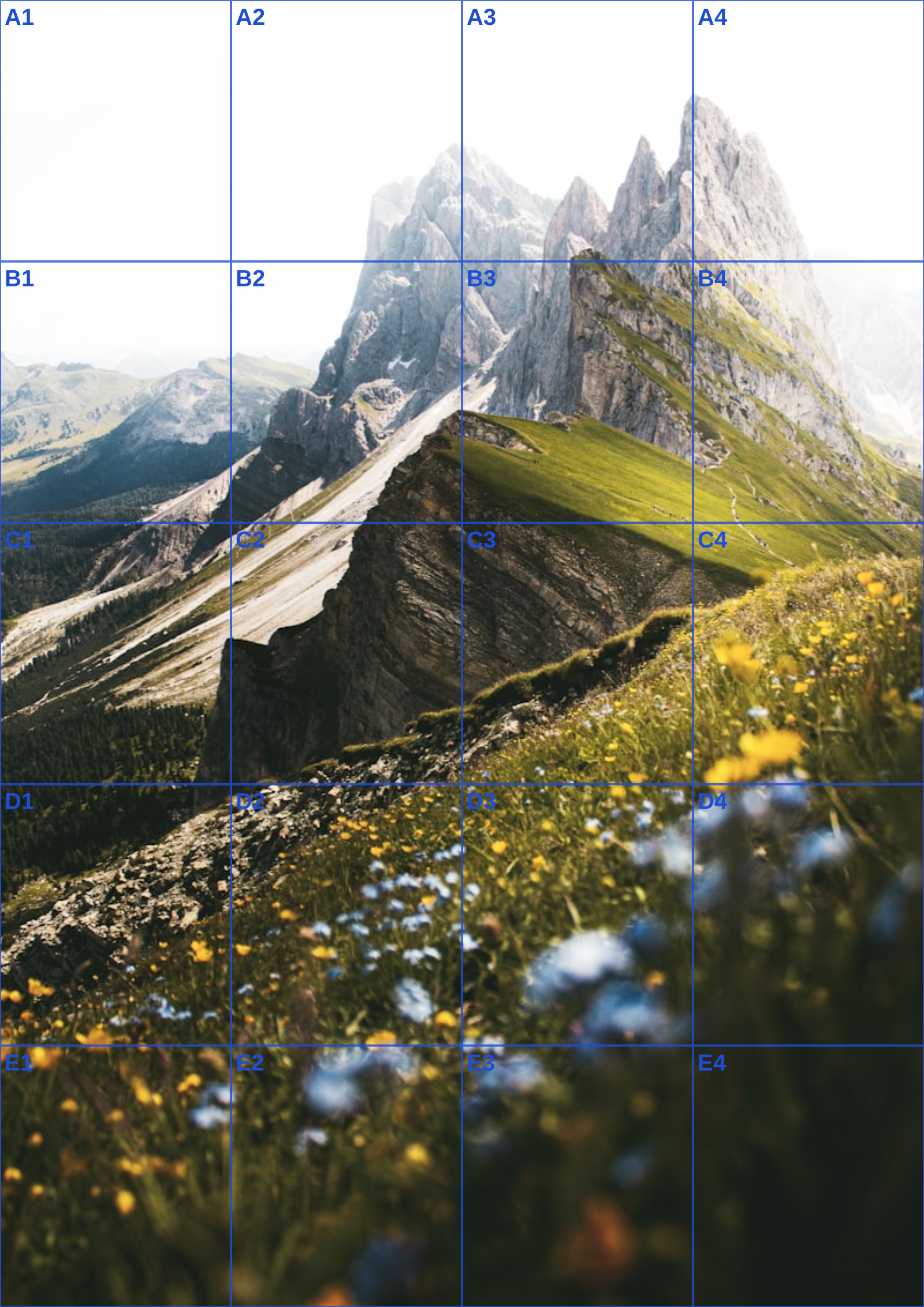
See the grid before you make one
Three references run through this tool at different settings. The measurements are the spacing you would rule on paper at that size, so you can check them against a ruler after printing.