For commissioned artists
A practical guide to grid image
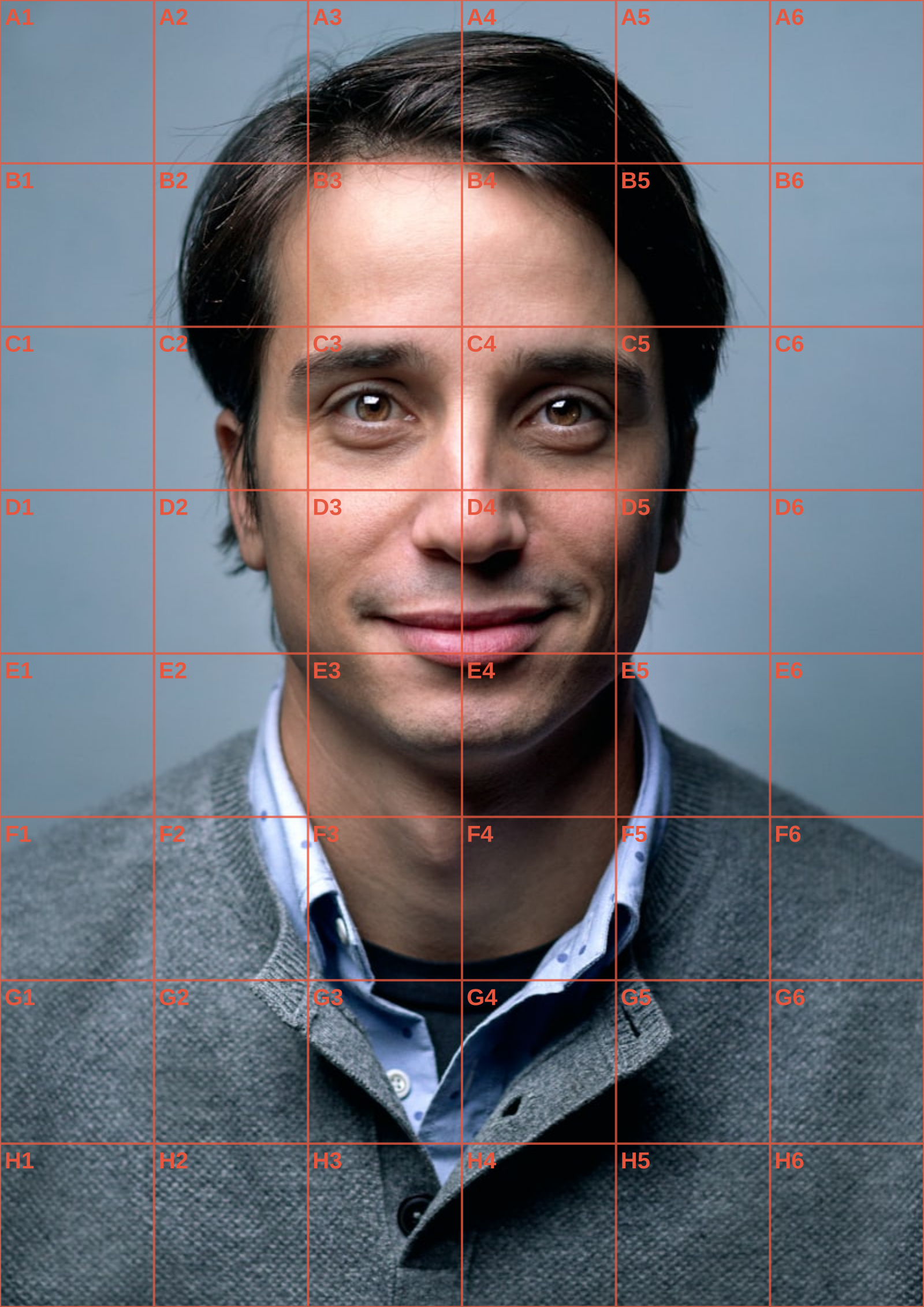
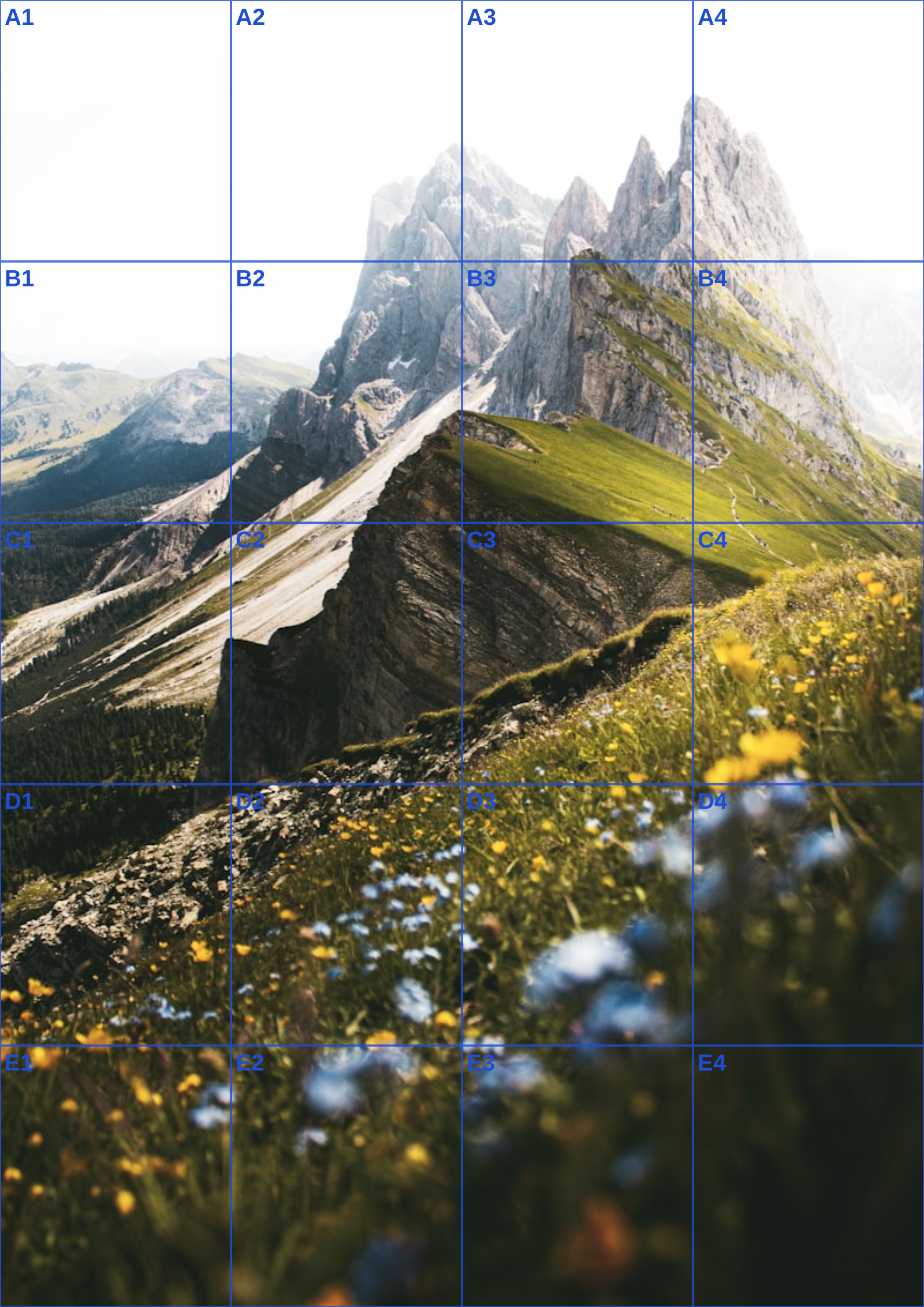
A grid image is a photograph or illustration with a coordinate overlay added for reference. It is useful when the original image has complex perspective, a face that must retain its proportions, or a crop that needs to be transferred faithfully. Looking at a full photograph can make it tempting to draw symbolic versions of things: an eye, a leaf, a hand. Looking inside one cell encourages you to draw the actual angle, gap, and value shape that appears there instead.
Prepare a grid image with enough divisions to locate important edges but not so many that the reference becomes busy. Six to eight divisions per side work well for many studies. Consider a rectangular count when the photo itself is rectangular; forcing everything into square cells is not required. If the image is a colour portrait, temporarily converting it to black and white can reveal where the major shadow masses lie. Those masses are often more important to a convincing drawing than individual eyelashes or texture.
ArtGrid lets you make that reference without sharing the source with a website. Choose your image file, set the grid controls, and inspect the Canvas preview. A line colour and opacity slider help you distinguish the grid without losing the image below it, and cell labels make a longer project easier to resume. The A4, A3, and US Letter options calculate physical spacing for manual ruling. You can download a grid image as PNG or JPG, or select the PDF export when a printout and exact interval instructions are more useful.
Save the exported grid image beside the original with a useful name if you expect to revisit the study. You can create more than one grid density for the same source without altering it. Each version remains a private local file that you control and can organize yourself.
A grid image should be prepared from the actual file you intend to use, not from a screenshot of a message thread. Screenshots can add browser chrome, alter the crop, or quietly scale the photo. Save the supplied image, record its pixel dimensions, and decide the crop once. Then export a gridded version and keep the unmarked original beside it. This is a small version-control habit that prevents the frustrating discovery that the final portrait was measured from a different crop than the client approved.
A grid image should originate from the actual client file, not from a screenshot in a message thread. Screenshots can include interface edges, apply a different crop, or quietly reduce resolution. Download the supplied photograph, note its dimensions, and decide the working crop once. Keeping that unmarked original beside the overlay prevents the unpleasant discovery that a nearly finished portrait was measured from a different version than the one the customer approved.
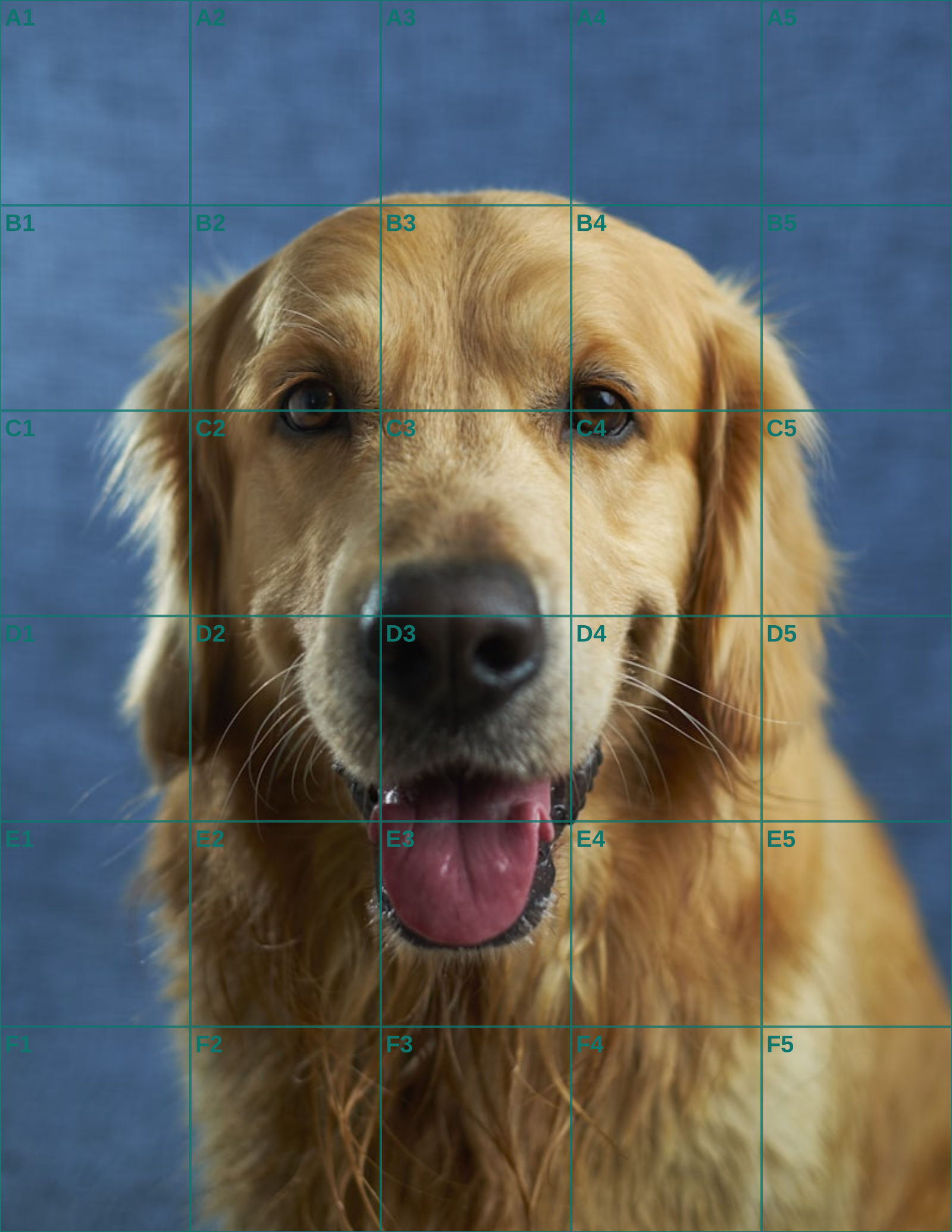
Treat the first export as a proof of composition. For a memorial pet drawing, confirm the amount of room above the head, the placement of a favourite collar, and any background that carries meaning. Send the clean crop if the client needs to approve framing; the gridded image can remain a studio document. This gives the artist a fixed source before detailed drawing starts.
A grid image for a tablet has different practical needs from one for a paper support. On screen, a low-opacity overlay and labels can help a collaborator point to a precise area. On paper, the selected PDF gives the millimetre interval necessary to rule a matching grid. Use actual-size printing and check the measurement with a ruler rather than trusting a preview thumbnail.
Set density for the specific subject. A dog running across an open field may need cells that clarify the leg rhythm and horizon, while a close cat face needs more information around the eyes and whisker pads. If the photo becomes difficult to read at normal size, step back to fewer divisions. The purpose is to make comparisons easier, not to replace the artist's judgement with tiny boxes.
During the block-in, follow evidence across neighbouring cells. Locate where a contour starts, crosses a boundary, and meets the next shape. This produces a continuous body or head mass before individual details become tempting. A single polished feature can mislead if its surrounding proportions have not been tested, particularly when the client knows the animal well.
Name files by subject, crop, size, and date. An unmarked source and a gridded version with clear names make a small but real version-control system for a commission. If a customer sends a replacement image, you can tell immediately whether it needs a new crop approval and a new export rather than accidentally mixing reference stages.
Finish from the clean image, returning to the grid only to resolve a placement question. Values, texture, and expression cannot be reduced to a coordinate. The local Canvas workflow keeps the image private while letting you make PNG, JPG, or print-ready PDF references for the medium you actually use.
When the reference is a close likeness, the portrait drawing grid guide covers facial landmarks; for the measured transfer itself, use the grid method walkthrough.
Continue the workflow
See Also
- grid image generator
Open a companion guide when the approved source file needs another preparation step.
- grid maker for drawing
Open a companion guide when the approved source file needs another preparation step.
- portrait drawing grid
Open a companion guide when the approved source file needs another preparation step.
- grid drawing
Open a companion guide when the approved source file needs another preparation step.
- art grid
Open a companion guide when the approved source file needs another preparation step.
Questions answered
grid image FAQ
Can I make a grid image from a phone photo?+
Yes. Save the photo as JPG, PNG, GIF, or WEBP, then select it from your device.
Will a grid image change my original?+
No. The overlay is created on a separate Canvas export; the original file is not edited.
Are labels necessary on a grid image?+
They are optional. Labels help with communication and systematic work, while an unlabeled grid can be quieter visually.
Real output
See the grid before you make one
Three references run through this tool at different settings. The measurements are the spacing you would rule on paper at that size, so you can check them against a ruler after printing.